# Customer Plans Management
If you've partnered with BotPenguin and need help with -
* **Creating new plans for your customers**
* **Managing your customers' plans**
* **Editing existing plans**
* **Understanding complex terms**
You're in the right place. This guide will walk you through each step.
Understanding Key terms:
| Features | Use cases |
| -------------------- | ----------------------------------------------------------------------------------------------------------------------------------------------------------------------- |
| Status |
a. Active: Plan Visible to customers
b. Inactive: Plan Hidden from customers
|
| Archive | Archiving a plan hides it from new customers on the panel while keeping it visible and accessible to existing customers who are already using(only that particular) it. |
| Add-on | Add extra features to your current plan |
| Integration | Connect your bot with listed Apps/CRMs |
| Configuration | Set up invoice details and configure the customer pricing page |
| Payment Grace period | Extra days given to customers to continue services after their plan expires |
| Recommend Plan | Promote the plan you want customers to choose |
| Feature Restriction | Set limits for the number of messages for chatbots |
## Getting Started
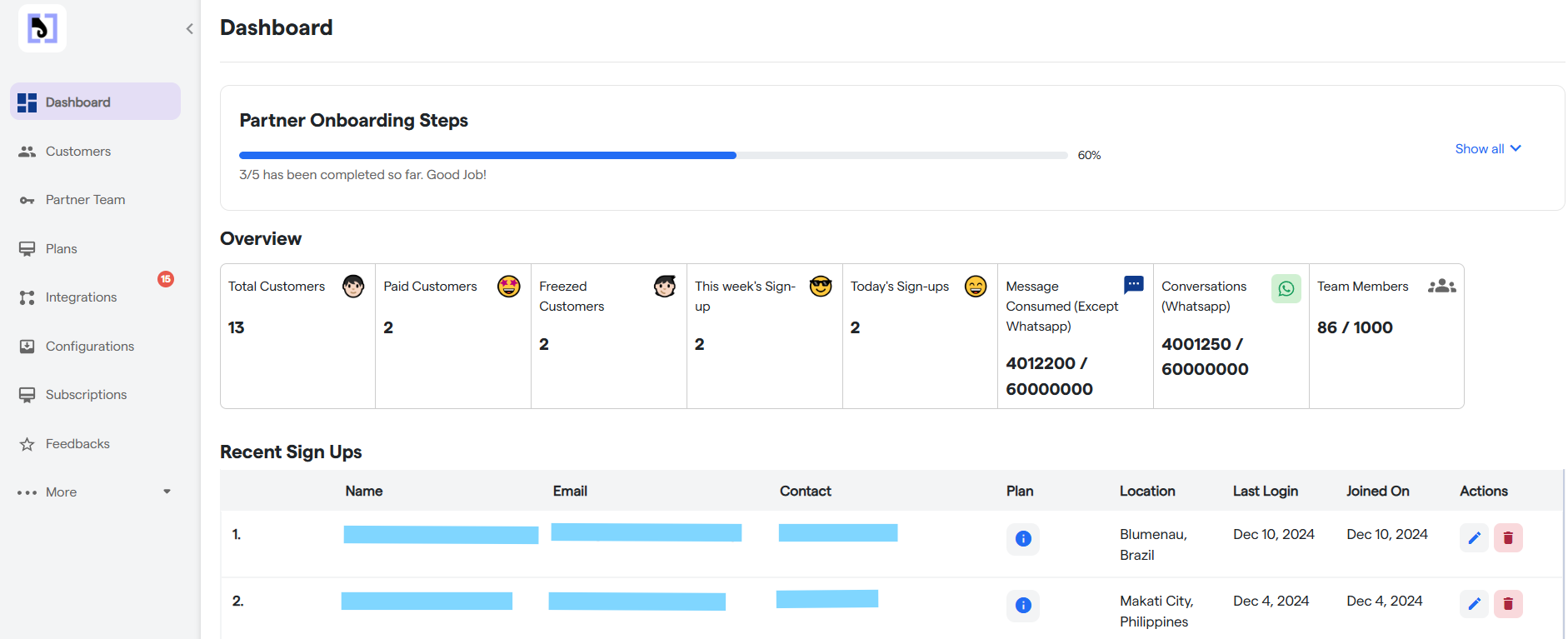
Log in using your credentials to access your dashboard.
If everything appears correct but you are still unable to proceed, please contact us at [support@botpenguin.com](mailto:contact@botpenguin.com). Our support team is here to assist you with any issues or questions you may have.